

In the world of technology, we often celebrate the advancements that make our lives easier and more connected. However, every so often, we encounter a glitch that serves as a reminder of the unpredictable nature of our gadgets. A recent Twitter post captured a bizarre moment. A user discovered a chaotic emblem burned into their monitor. This happened because they experienced a flicker. Leaving the monitor on while the screen displaying the chaos emerald flickered every second caused the burning issue. Let’s dive into this curious case and explore the phenomenon behind it.
What Happened?

The user’s experience can be attributed to a phenomenon known as “image retention” or “burn-in.” This happens when a static image is displayed on a screen for a long time. The pixels keep that image even after the content changes. In this case, the flicker might have been a brief glitch. An interruption may have caused the monitor to hold onto a particular image longer than usual.
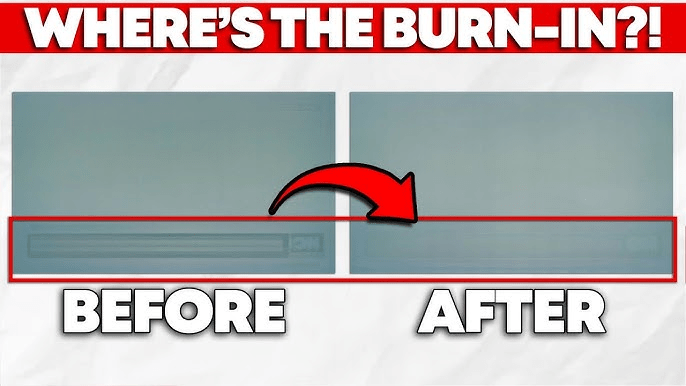
Modern displays, especially OLED and some LCD screens, are susceptible to burn-in effects. The chaos emerald that emerged from this particular incident likely resulted from the flicker. It combined with the screen’s response, creating an unexpected fusion of pixels gone awry.
The Community Reacts
The Twitter thread turned into a lively discussion about similar experiences, with users sharing their own tales of screen-related mishaps. Some recounted moments when their screens displayed ghostly images from long-closed applications. They also shared how they had to deal with the consequences of leaving a static image on too long. Others offered tips to prevent burn-in. They suggested using screen savers or regularly changing the displayed content.
Lessons Learned
The chaotic emblem on the user’s monitor might seem like a minor inconvenience. It serves as a cautionary tale about the importance of screen care. Here are a few takeaways:
Regularly Change Your Content: To minimize the risk of burn-in, avoid leaving static images on your screen for too long. This is especially important for OLED screens, which are more prone to this issue.Use Screen Savers: Set up a screen saver. It can help ensure that your display is never stuck on a single image for extended periods.Stay Updated: Monitor manufacturers often release firmware updates that can address screen issues. Keeping your device updated can help mitigate problems. Don’t Panic: If you experience flickering or notice unusual patterns on your screen, don’t panic. Sometimes, a simple restart or resetting the display settings can resolve the issue.
Here’s a video if anyone encountered a simple mistake that can be fixed easily
Epilogue
The Twitter post about all this is humorous. It reminds us how technology can surprise us. These surprises often occur in the most unexpected ways. It highlights the quirks of our devices and gives off a sense of community among users who share similar experiences. The next time you experience a flicker that turns into a screen burn, pause for a moment. Appreciate the power of the chaos emeralds and always remember to care for your screen.
 Aizen Arcade
Leave a comment